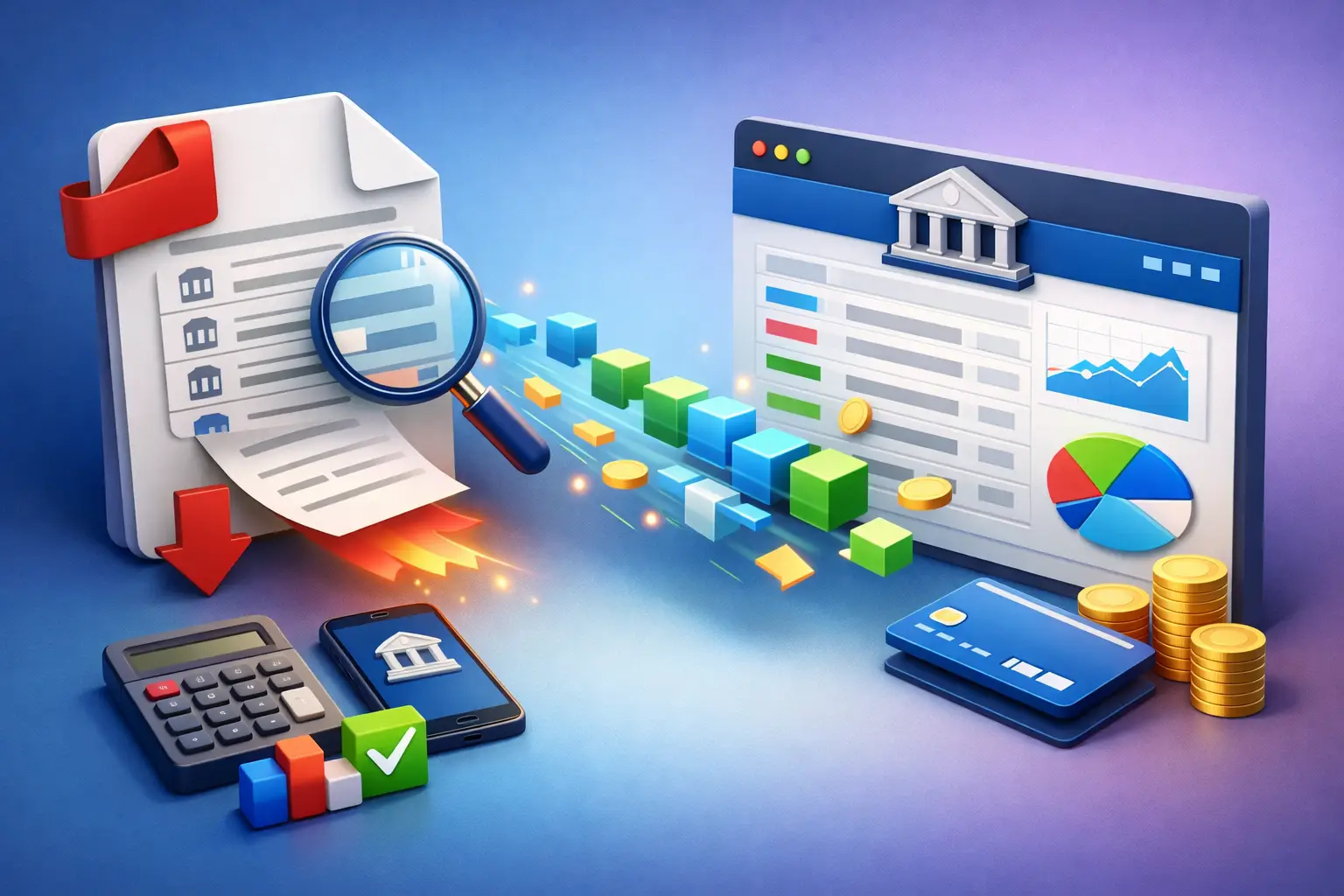
The Challenge of Extracting Bank Transactions from PDF
Bank statements in PDF format are designed for reading, not for data processing. They contain nicely formatted tables, bank logos, headers, footers, page numbers, and summary information — all of which make them easy for humans to read but difficult for software to parse. Extracting the actual transaction data from these documents is a task that many businesses still perform manually, copying and pasting line by line into spreadsheets.
This manual approach is not only slow but also error-prone. A single transposed digit or missed line can cause reconciliation issues that take far longer to find and fix than the original data entry itself.
How PDF Data Extraction Works
Modern PDF extraction tools use a combination of text parsing and table recognition to identify and extract transaction data. The process involves reading the PDF content layer, identifying the table structure, determining which columns correspond to which data fields (date, description, amount, balance), and then outputting the data in a structured format.
The complexity varies significantly depending on the bank and the statement format. Some banks produce PDFs with well-structured underlying data that is relatively easy to extract. Others generate image-based PDFs or use complex layouts that require more sophisticated processing, including OCR (Optical Character Recognition) for scanned documents.
Bank2PDF Approach to Transaction Extraction
Bank2PDF has been specifically built to handle the variety of bank statement formats found in practice. The platform recognises statements from major Portuguese and international banks and applies format-specific parsing rules to ensure accurate extraction. This means it understands where to find the transaction date, how to distinguish between debit and credit amounts, and how to handle multi-line descriptions.
The result is a clean dataset where each transaction is a separate row with clearly defined columns. This data can be exported as Excel, CSV, or other formats, ready for import into accounting software or further analysis.
Common Extraction Challenges
Several issues frequently arise when extracting bank transactions from PDF. Multi-line descriptions, where a single transaction spans two or more lines, can cause incorrect row splitting. Merged cells or inconsistent column alignment can confuse extraction algorithms. Statements with multiple accounts or currencies require additional logic to separate and identify correctly.
These challenges are exactly why generic PDF-to-Excel converters often produce poor results with bank statements. A tool purpose-built for bank statements, like Bank2PDF, handles these edge cases as part of its core functionality.
From Extraction to Action
Once your transactions are extracted, the possibilities are wide. Import them into your accounting software for reconciliation, load them into a spreadsheet for analysis, feed them into a custom application, or use them to generate reports. The key step is getting from unstructured PDF to structured data — and that is precisely what extraction tools are designed to do. Stop spending hours on manual transcription and let purpose-built software handle the heavy lifting.
Ready to convert your bank statements?
Upload your PDF and get Excel/CSV in seconds. Free trial available.
Try Bank2PDF Free